On this page
5 Growth Opportunities We Found Across 103 Automotive Ecommerce Reports
Five growth opportunities from our review of 103 automotive ecommerce reports: vehicle fitment, pricing, installation, delivery, and product specifications.

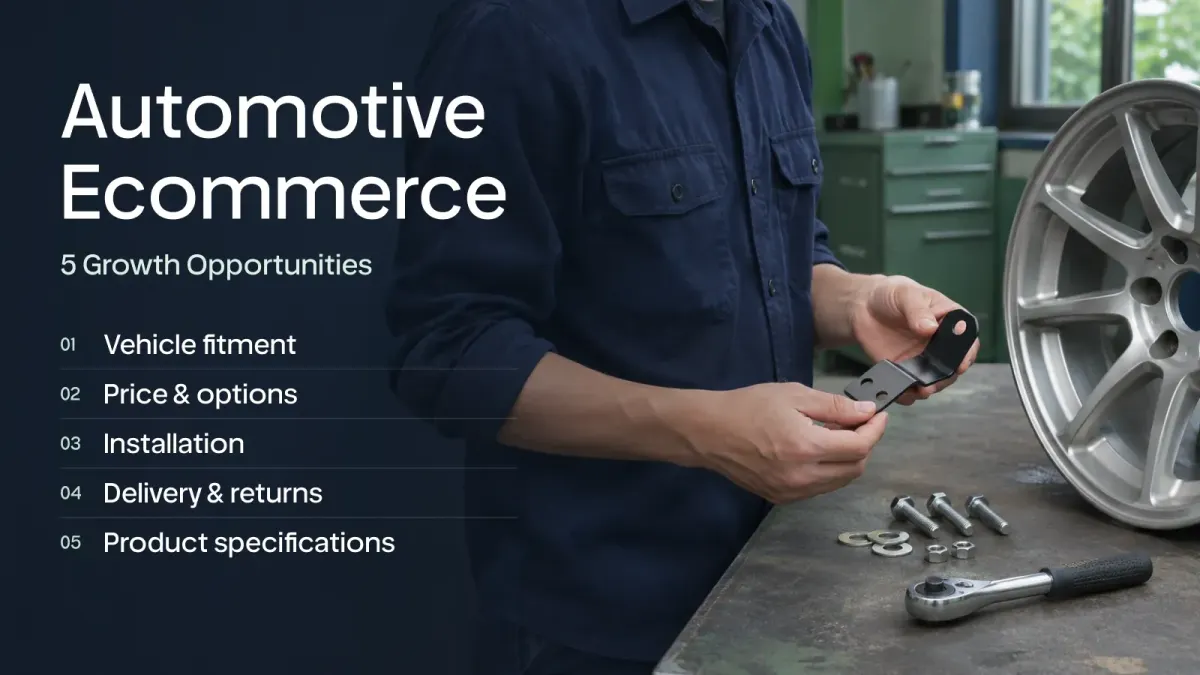
A customer may know exactly which vehicle they own and still struggle to find a part they can confidently buy. A product that looks right in a collection may differ by model year, wheelbase, roof height, or another specification.
Our review of 103 reports tagged Autos & Vehicles found repeated recommendations concerning product specifications, price and options, product discovery, and compatibility. The reports include internal analyses and other lead sources. Their tags and recommendation titles are signals for investigation, not verified industry-wide problem rates.
These examples use anonymized store names. They show opportunities to investigate in your own store, not changes already proven to produce a particular revenue result.
1. Help customers find parts that fit
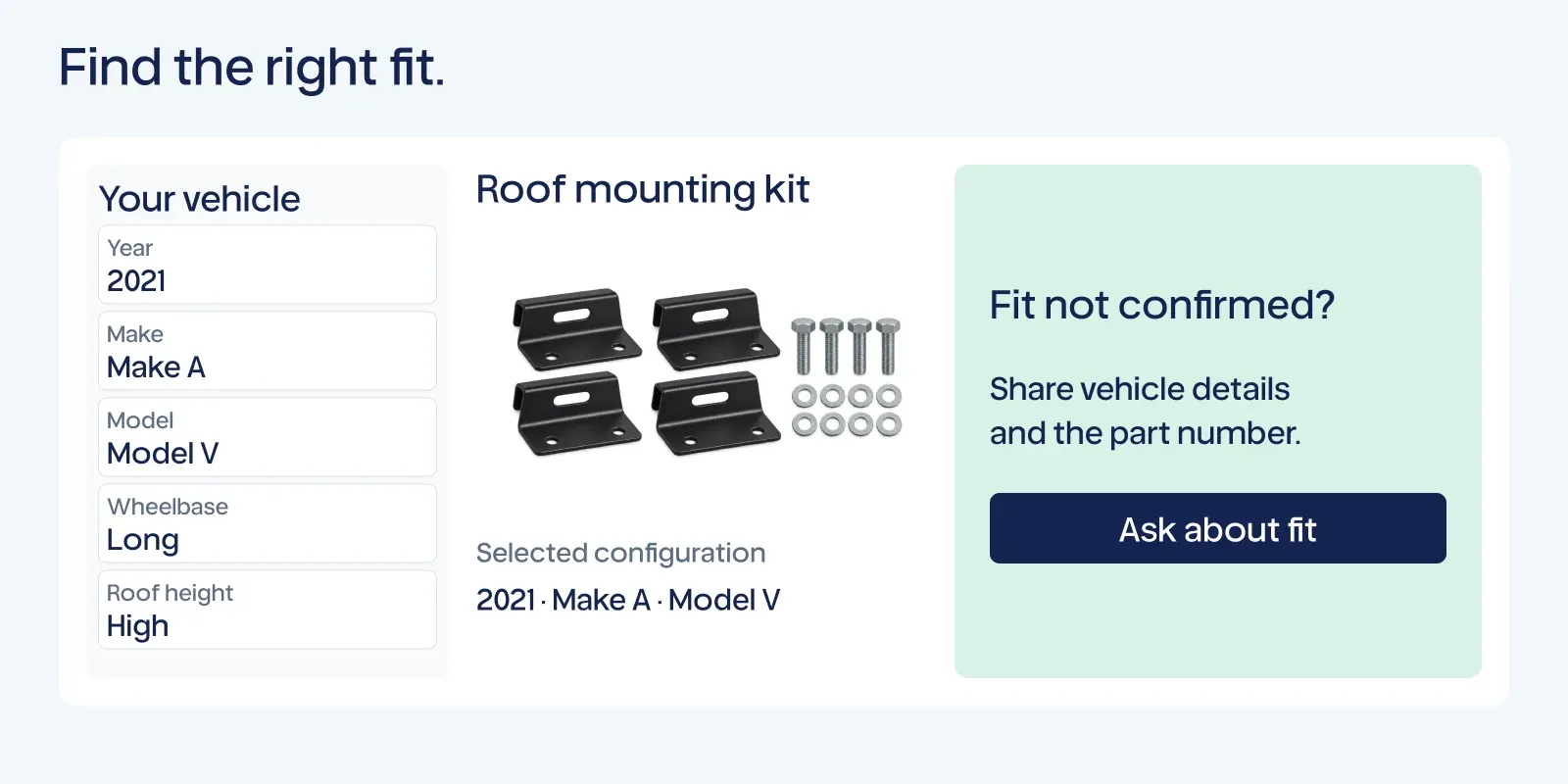
At Vehicle Store A, the opportunity was to make vehicle-based discovery easier. Year, make, and model can be useful starting points. For a van accessory, wheelbase or roof height may also change the choice.
Begin with the actual fitment information you can verify. Organize the relevant attributes consistently across product data, collection filters, search, and the product page. A customer should not find one fitment description in the results and a conflicting one after selecting the product.
Test one real shopping task: starting with a vehicle and a need, can a first-time customer reach the appropriate product? Note where they must leave the store to check another source.
For a broad catalog, start with products that generate frequent fitment questions or have commercial importance. A reliable first group is more useful than a complete-looking filter built on uncertain data.
For a related example, our Last Mile SF & Marin case study covers the work of making spare parts easier to find through better filters, navigation, and product information.
Make uncertainty and exceptions actionable
A compatibility search can be helpful while still having limits. Modified vehicles, unusual configurations, and missing manufacturer data may require further confirmation.
At Vehicle Store B, an existing search experience included a warning about accuracy. Removing that warning would not make the underlying information more reliable.
Review the actual limitations and provide a useful support path. Let customers share relevant vehicle details or a part number when your team can use them to help. Where compatibility is confirmed only for particular configurations, explain that boundary.
Avoid turning a broad product category into a fitment promise. A label such as “vehicle accessory” does not establish that a part fits a specific model.
Not sure whether fitment, product information, or another issue deserves attention first? Run a quick analysis with Gentoo to review opportunities in your store.
2. Show the selling unit and complete selected price
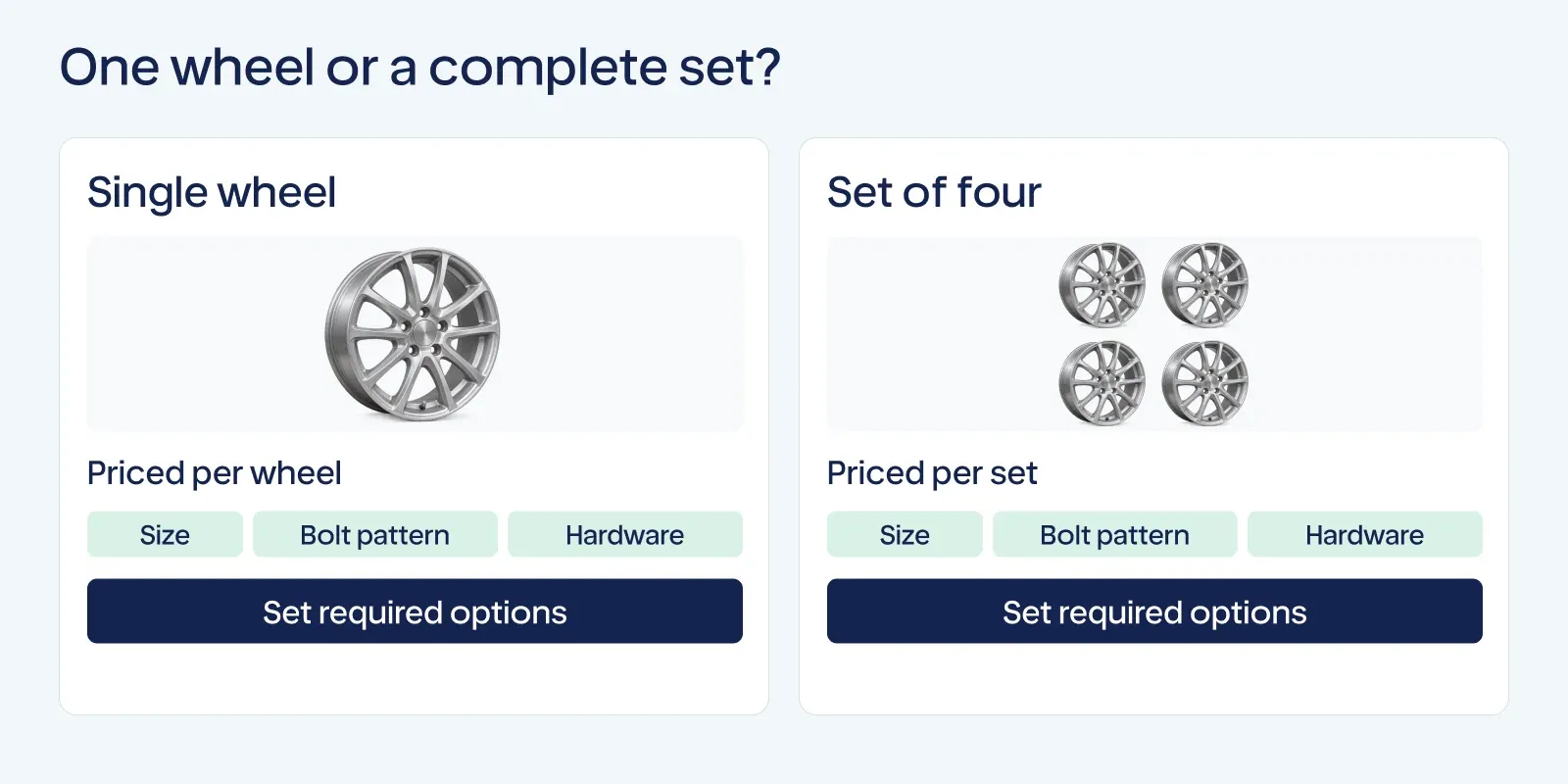
At Vehicle Store C, the price needed clearer context: was the customer buying one wheel or a set? At another store, required options affected the total.
A shopper should be able to identify whether an offer covers a single item, a pair, or a complete set. Show required choices and their effect on the total before the final order.
Check the selected configuration across the product page and cart. A customer should not have to infer whether required hardware is included or whether a price applies to the whole set.
Compare actual prices and inventory with your current product records before changing labels. Clear presentation can make the existing offer easier to understand without changing the price.
3. Explain what installation requires
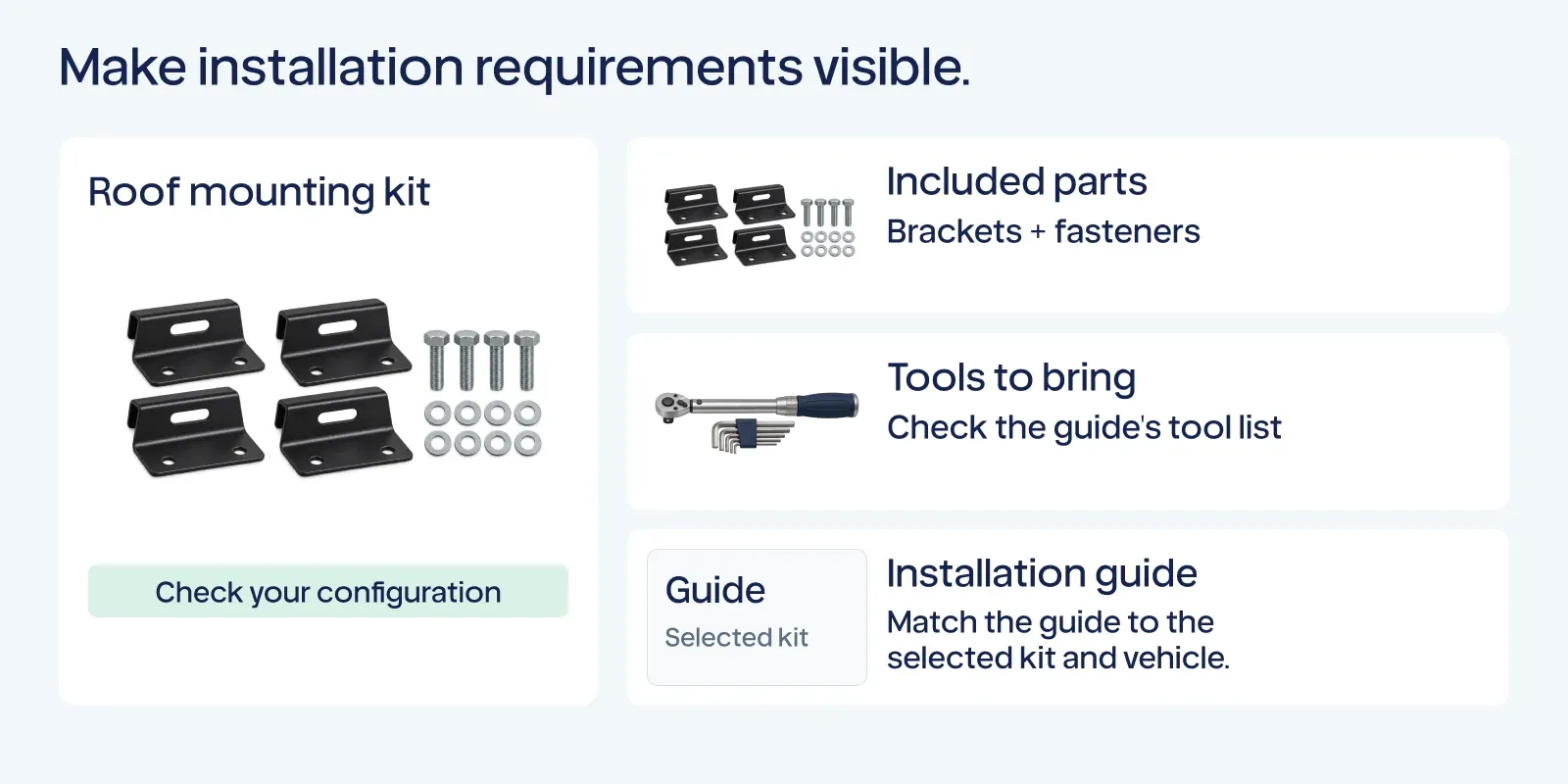
Buying the right part is only one step. Customers may also need to know what arrives in the package, which tools or additional components are required, and where to find installation instructions.
Vehicle Store D had installation guidance and product details that were difficult to find near the buying decision. Another report suggested helping customers identify relevant tools.
List the actual included parts, separate items that must be bought separately, and connect verified instructions to the product. If a guide applies only to particular configurations, make that clear.
Avoid inventing installation times or difficulty ratings. Use confirmed product information and a support route when the answer depends on the vehicle or installer.
4. Connect availability, lead time, and returns to the selected option
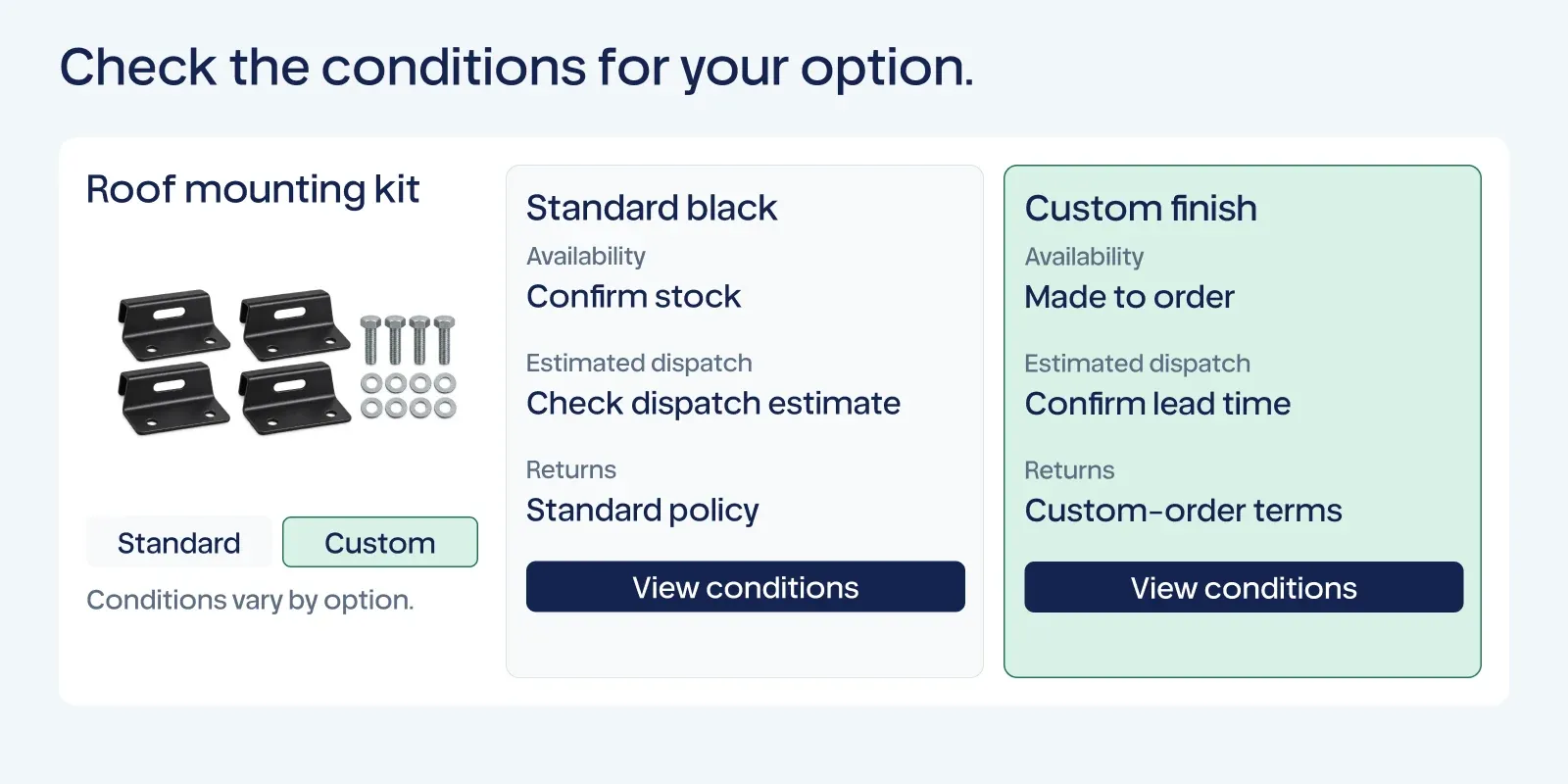
Custom colors, vehicle configurations, and made-to-order products can have different dispatch or return conditions. At Vehicle Store E, the opportunity was to make option-specific availability and lead times easier to understand before purchase.
Check that the selected variant, stock status, estimated dispatch information, and applicable return terms agree with your actual operation. If inventory is not maintained in real time, avoid presenting it as a live guarantee.
Summarize the conditions customers need before ordering and link to the complete policy. When a custom option changes eligibility, explain the real policy rather than applying a generic promise to every product.
5. Use specifications to make products recognizable
Specifications matter when they help customers rule out an unsuitable choice. A wheel buyer may need dimensions relevant to the vehicle; a rack buyer may need capacity and spacing information.
Choose attributes for the products you actually sell, confirm their source, and show the important differences in collection results as well as on the product page. Do not infer compatibility from a single specification.
For search visibility, accurate product and variant data also matter. Google's product variant documentation explains how eligible variant information can be represented in search. Adding markup alone does not guarantee a particular appearance or ranking.
Decide what to improve first
Look at customer questions, selection errors, returns, search behavior, and the products that matter to the business. A shop with frequent fitment questions may start with compatibility information. A store receiving complaints about missing tools may need to clarify the contents of its kits first.
Choose one shopping task and a focused change. After release, review the relevant product visits, cart additions, orders, support questions, and return reasons. Consider inventory, promotions, and traffic changes when interpreting the result.
A rise in orders during the next period does not by itself prove that one filter or product-page change caused it. Use the evidence to decide what to investigate or improve next.
Move from a finding to an improvement
Gentoo considers the merchant's goal, store data, operating constraints, and industry context when prioritizing work. The merchant reviews proposed changes before they go live. Gentoo executes approved work and assesses its business impact to inform the next decision.
Analyze your vehicle parts store with Gentoo to find the opportunities that deserve attention in your business.
For ongoing help with decisions, execution, and learning, install Gentoo on Shopify.