On this page
6 Best Free Shopify Apps and Tools for Store Growth
Six free apps and tools for Shopify merchants, with a comparison of what’s free and which store problem each tool helps solve.


If you’ve already installed a few apps and visitors still aren’t buying, pick one shopping task to check. Can customers find the right item, tell which option fits, and get their questions answered before checkout?
A free search app can help customers narrow a large catalog. A reviews app can help them assess a product. Search Console can show which pages appear on Google. Each solves a different problem, and none needs to be your first priority in every store.
We chose six of the best free Shopify apps and tools to start with based on the store problems they address and what you can do for free. The list includes five Shopify apps and Google Search Console.
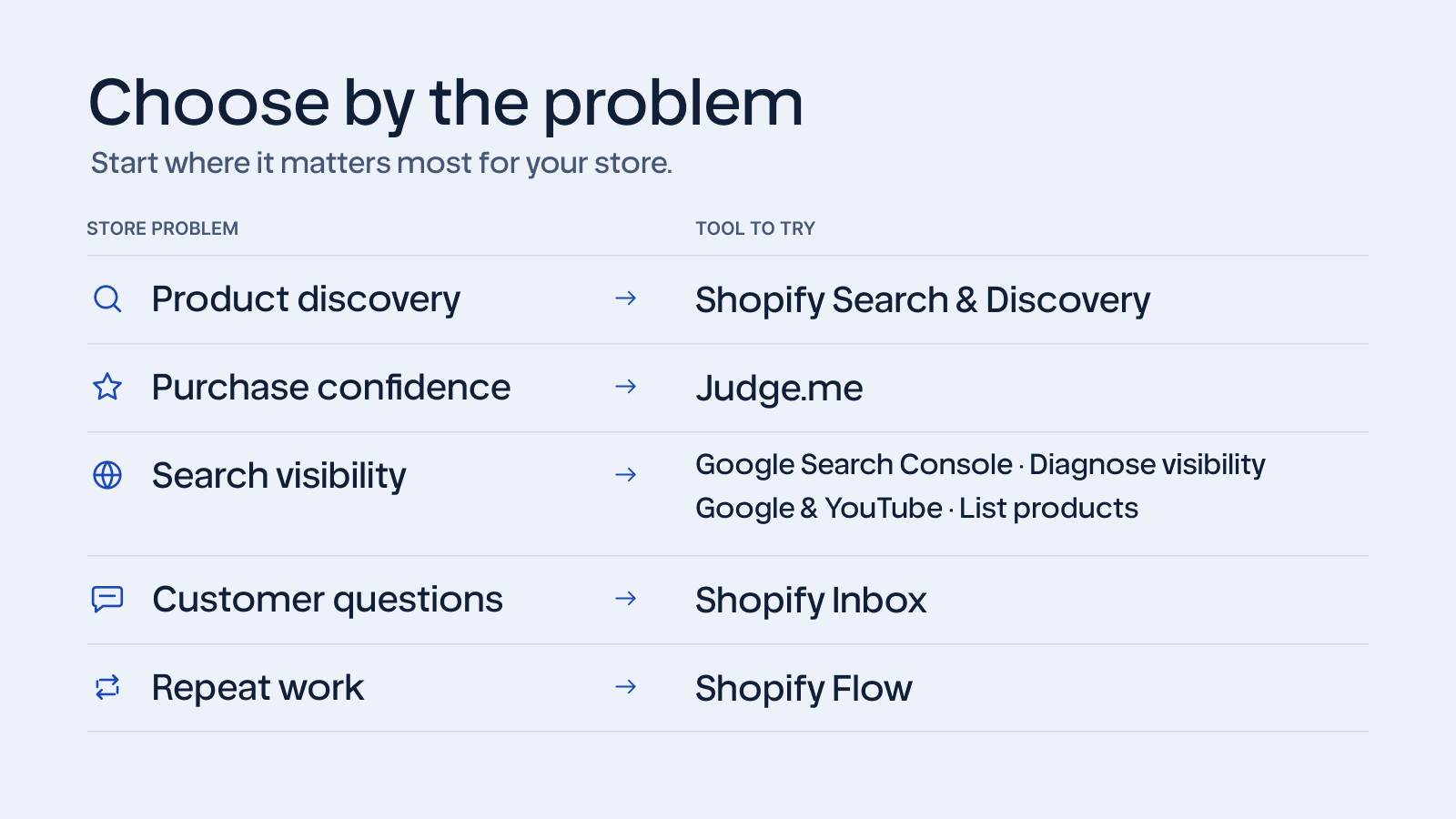
Free Shopify apps and tools at a glance
| Tool | Best for | Free access |
|---|---|---|
| Shopify Search & Discovery | Search, filters and product recommendations | Free app |
| Judge.me | Product reviews and social proof | Free plan; paid features available |
| Google Search Console | Search visibility and indexing | Free tool |
| Google & YouTube | Product feed and Google sales channels | Free to install; advertising costs extra |
| Shopify Inbox | Shopper questions and conversations | Free app |
| Shopify Flow | Repetitive store workflows | Free app; features and eligibility depend on your Shopify plan |
Free access and eligibility were checked against the providers’ listings and documentation on November 27, 2026.
1. Shopify Search & Discovery: Make products easier to find
Best for: Stores with a large catalog, complex filters or shoppers who search using different words for the same product.
Shopify Search & Discovery lets merchants configure filters, search synonyms, product boosts and recommendations. It also offers reports about search and discovery.
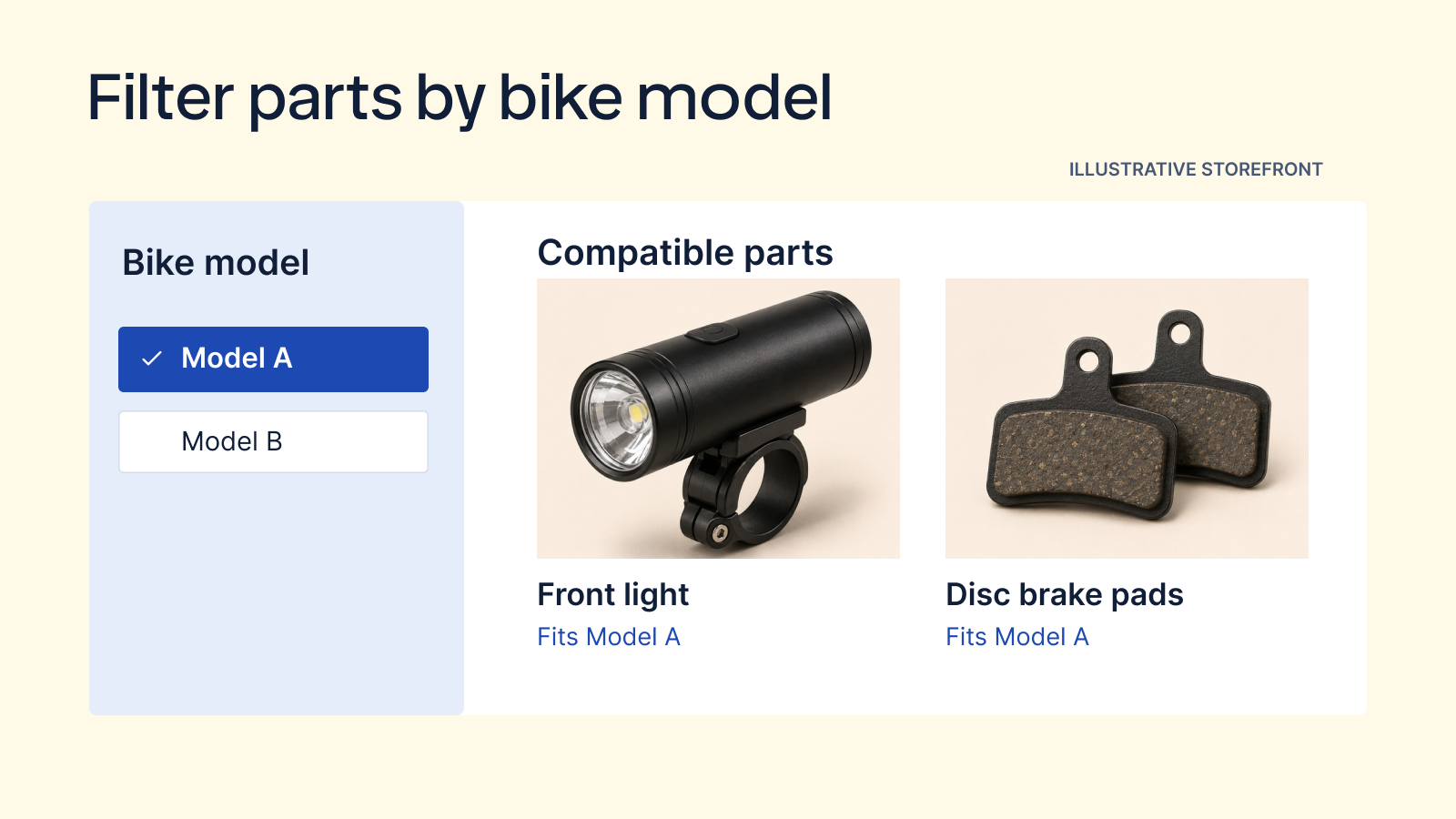
Consider a bike-parts store where shoppers need a component that fits their vehicle. A broad “Parts” collection may contain the right item, but a customer still needs a way to narrow the options. Clear filters and consistent product data can make that task less frustrating. See how we approached spare parts discovery at Last Mile SF & Marin.
Before you start: Search for three products using the words your customers use. Check whether the right items appear, whether the filters make sense and whether the product information helps customers confirm fit.
How it can fit with Gentoo: Gentoo can help a merchant identify product discovery as a priority and prepare store improvements. You can use Search & Discovery to configure search and filters in Shopify.
Free access: The app is free. Check your theme and store setup for feature compatibility.
2. Judge.me: Make customer reviews easier to find
Best for: Stores where customers need more confidence about quality, fit or the experience of using a product.
Judge.me offers a free plan with product reviews, photo and video reviews, and review display widgets. Paid features are also available.
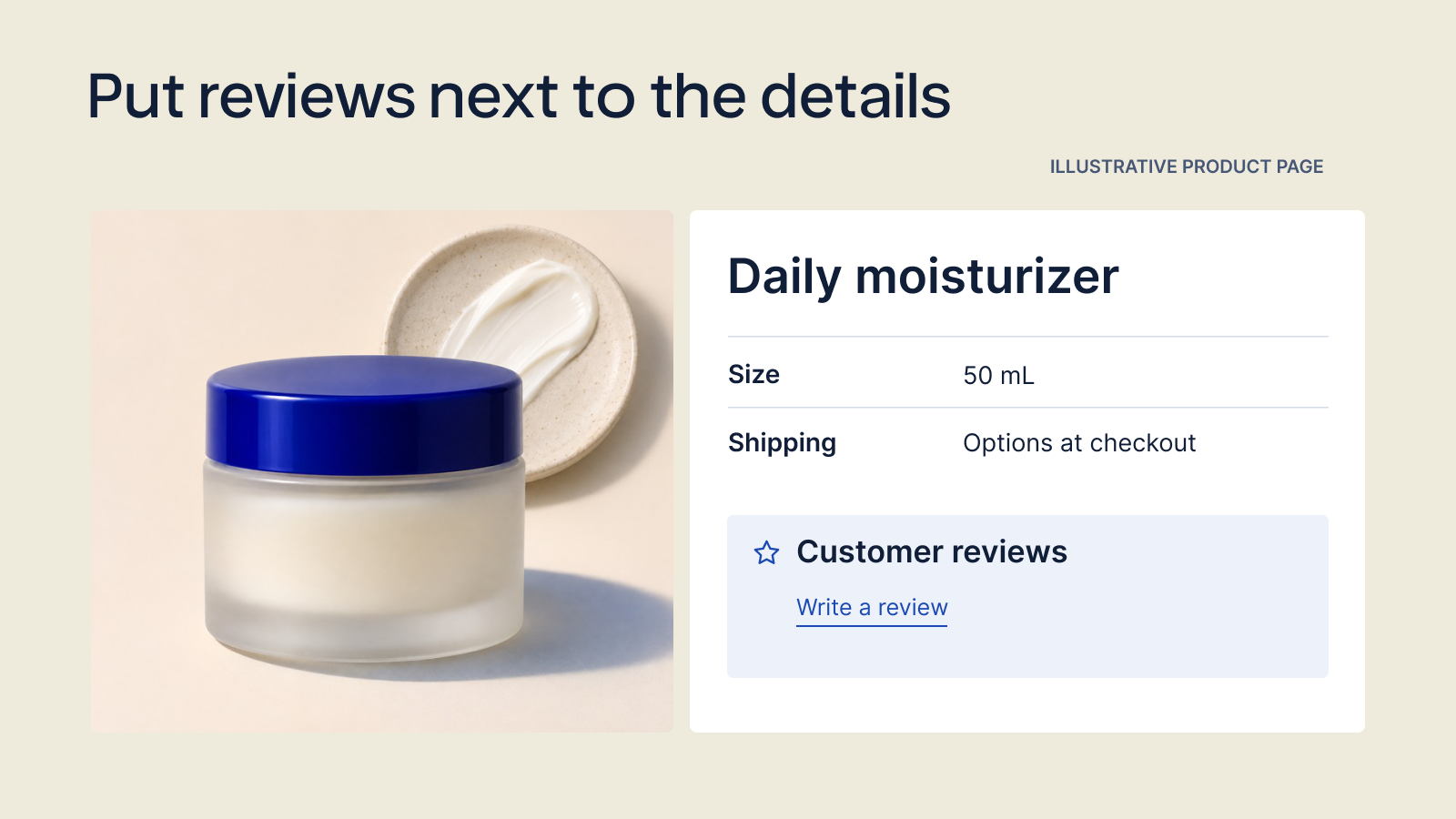
For a skincare store, a shopper might want to know whether customers with a similar concern found a product useful. Reviews can help answer some of those questions, while the product page should still make ingredients, size and usage clear.
Before you start: Open a few high-traffic product pages on mobile. Can shoppers find existing reviews? Are the details they need to interpret them, such as product variant or usage, clear?
How it can fit with Gentoo: Gentoo lists Judge.me under “Works with” on its Shopify App Store listing. Judge.me can collect and display reviews while Gentoo helps prioritize broader store improvements. Confirm the exact integration features and permissions before relying on a specific data flow.
Free access: A free plan is available. Some features, including certain advanced integrations and customization, require a paid plan.
3. Google Search Console: See how shoppers find you on Google
Best for: Merchants who want to understand search visibility, clicks and indexing.
Google Search Console is a free Google tool, not a Shopify app. It shows search queries and pages that receive impressions and clicks, and helps identify indexing issues.
A collection page with impressions but few clicks invites a different investigation from a product page that is not indexed. Start by understanding the page and query before rewriting titles or adding more content.
Before you start: Verify your domain, then review your most visible pages and queries. Check whether the search intent matches what the page offers. Use the indexing report when a page is missing from search.
How it can fit with Gentoo: Use Search Console to investigate visibility, then consider the findings alongside the other store improvements you’re weighing with Gentoo.
Free access: Search Console is free. It takes time to collect useful data after setup.
4. Google & YouTube: Connect your catalog to Google
Best for: Stores that want to manage their product presence across Google and YouTube.
The Google & YouTube app connects Shopify products, shipping information and other catalog details with Google Merchant Center.
The feed is one part of the experience. If shoppers arrive at a product page but cannot understand the size, delivery terms or differences between options, attracting more visits may not solve the underlying issue.
Before you start: Check Merchant Center for product eligibility and feed errors. Review the product information and destination page for accuracy.
How it can fit with Gentoo: Merchants can use the Google app to manage their channel and Gentoo to investigate opportunities elsewhere in the shopping journey.
Free access: The app is free to install. Google advertising campaigns have separate costs.
5. Shopify Inbox: Learn what shoppers are asking
Best for: Stores that receive recurring pre-purchase questions.
Shopify Inbox supports conversations with shoppers on your store. Questions about delivery, sizing, ingredients or compatibility can reveal information customers have trouble finding on their own.
A conversation is useful for the individual shopper. A repeated question is also a reason to review the relevant product or policy page.
Before you start: Look at the questions your team already receives. Group recurring questions by product and topic, and check whether the answer is easy to find before a customer needs to ask.
How it can fit with Gentoo: Bring recurring shopper questions into your discussions with Gentoo. They can help you choose which product details or policies to clarify.
Free access: The app is listed as free. Check current feature availability for your store.
6. Shopify Flow: Automate repeatable work
Best for: Merchants who have a recurring operational task with a clear trigger and outcome.
Shopify Flow lets merchants build workflows for tasks such as inventory, order management and marketing operations.
For example, once a team knows how it wants to handle a recurring inventory event, it can explore whether a Flow template supports that process. The value comes from reducing repeat work around a decision you have already made.
Before you start: Write down the trigger, the intended action and what should happen if something goes wrong. Test the workflow before relying on it.
How it can fit with Gentoo: Gentoo helps a merchant decide where to focus and execute approved store improvements. Flow can automate suitable recurring processes.
Free access: Shopify lists Flow as free on Basic, Grow, Advanced and Plus. Some actions require a higher plan.
Which free Shopify tool should you use first?
Choose the tool that addresses the problem most closely tied to your goal:
- Shoppers cannot find the right product: Start by testing search and filters with Search & Discovery.
- People view products but hesitate: Review the product information and consider whether Judge.me can help surface useful customer reviews.
- Search visibility is unclear: Use Search Console to investigate queries, pages and indexing.
- You want to connect products to Google: Review the Google & YouTube app and Merchant Center.
- The same questions keep reaching your team: Review customer conversations in Shopify Inbox.
- Your team repeats the same operational task: Consider whether Shopify Flow can handle it.
A tool should earn its place in your stack. Check whether it addresses a real problem, whether your team can maintain it and whether any feature overlaps with an app you already use.
Turn the right opportunity into action
Free tools give merchants useful capabilities. The harder part is often deciding which issue matters most for this store, making the change and returning to the result.
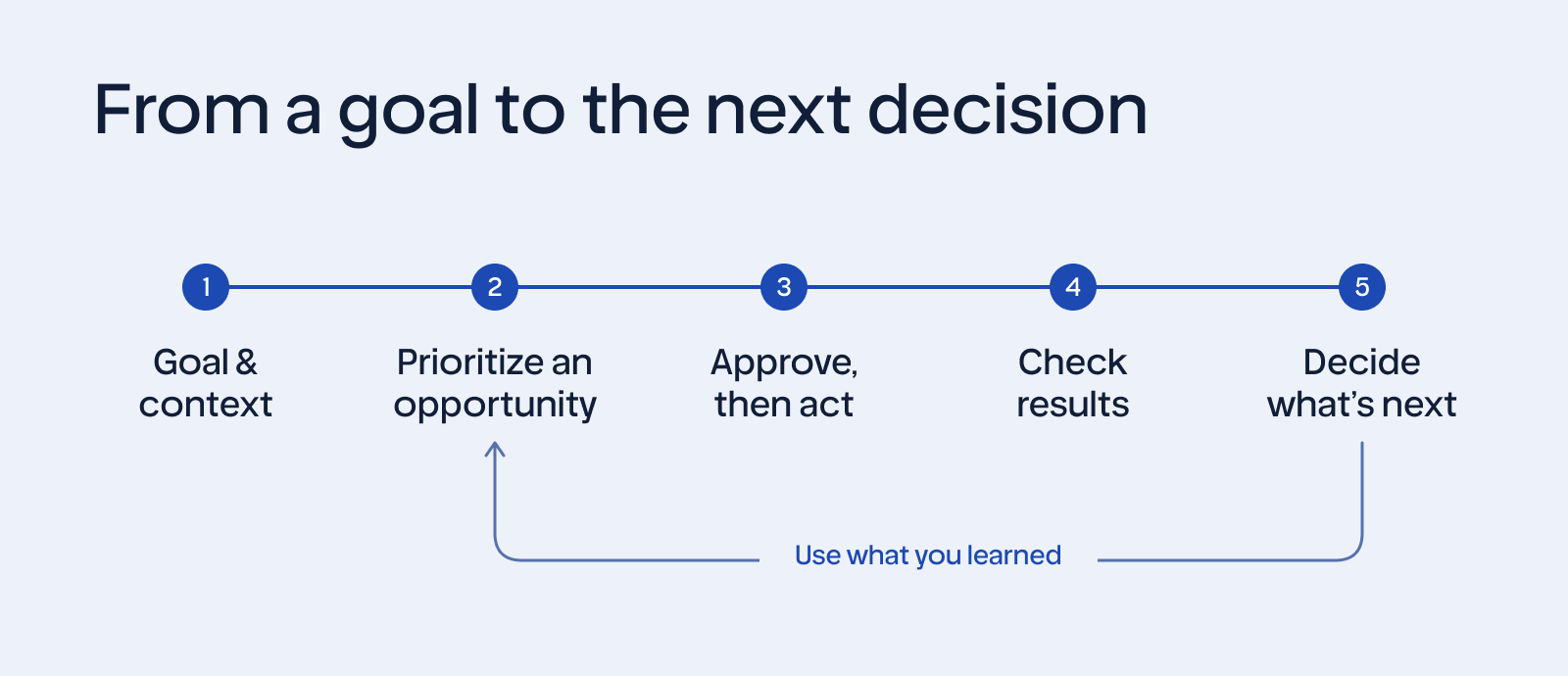
Gentoo works from your goals and store context to identify and prioritize opportunities. You can review proposed work, approve a change, and use the results and your feedback to inform what happens next. For one store, the priority might be product discovery; for another, it could be clearer information on a product page.
Gentoo is a paid app with a free trial. Start Gentoo Free Trial to see which store improvements Gentoo recommends for your goal.
FAQ
What are the best free Shopify apps for a new store?
Start with the problem you need to solve. Search & Discovery can help organize a catalog, Judge.me offers a free review plan, and Shopify Inbox supports shopper conversations. Google Search Console is also free, though it is a separate tool rather than a Shopify app.
Are free Shopify apps completely free?
Some apps are free, while others offer a free plan with limits or are free to install but charge for optional services. Google & YouTube, for example, is free to install, but Google ad campaigns cost extra.
Do these apps integrate directly with Gentoo?
Gentoo’s Shopify listing identifies Judge.me as a tool it works with. The scope of that integration should be confirmed. The other tools in this article can be used as part of a complementary workflow, but direct Gentoo integrations have not been verified.
Do I need all six tools?
No. Begin with the most important issue for your store. Review your existing apps and measure the result of a change before adding more.