On this page
Why Is My Shopify Store Not Converting? A Diagnostic Playbook
Find out why your Shopify store is not converting by separating traffic, product, UX, trust, mobile, cart, and checkout problems.

A low conversion rate is a symptom, not a diagnosis
When a Shopify store is not converting, it is tempting to change the site, add another app, increase ad spend, or offer a bigger discount. Sometimes those actions are appropriate. A low conversion rate alone does not tell you what to fix. A store may have:
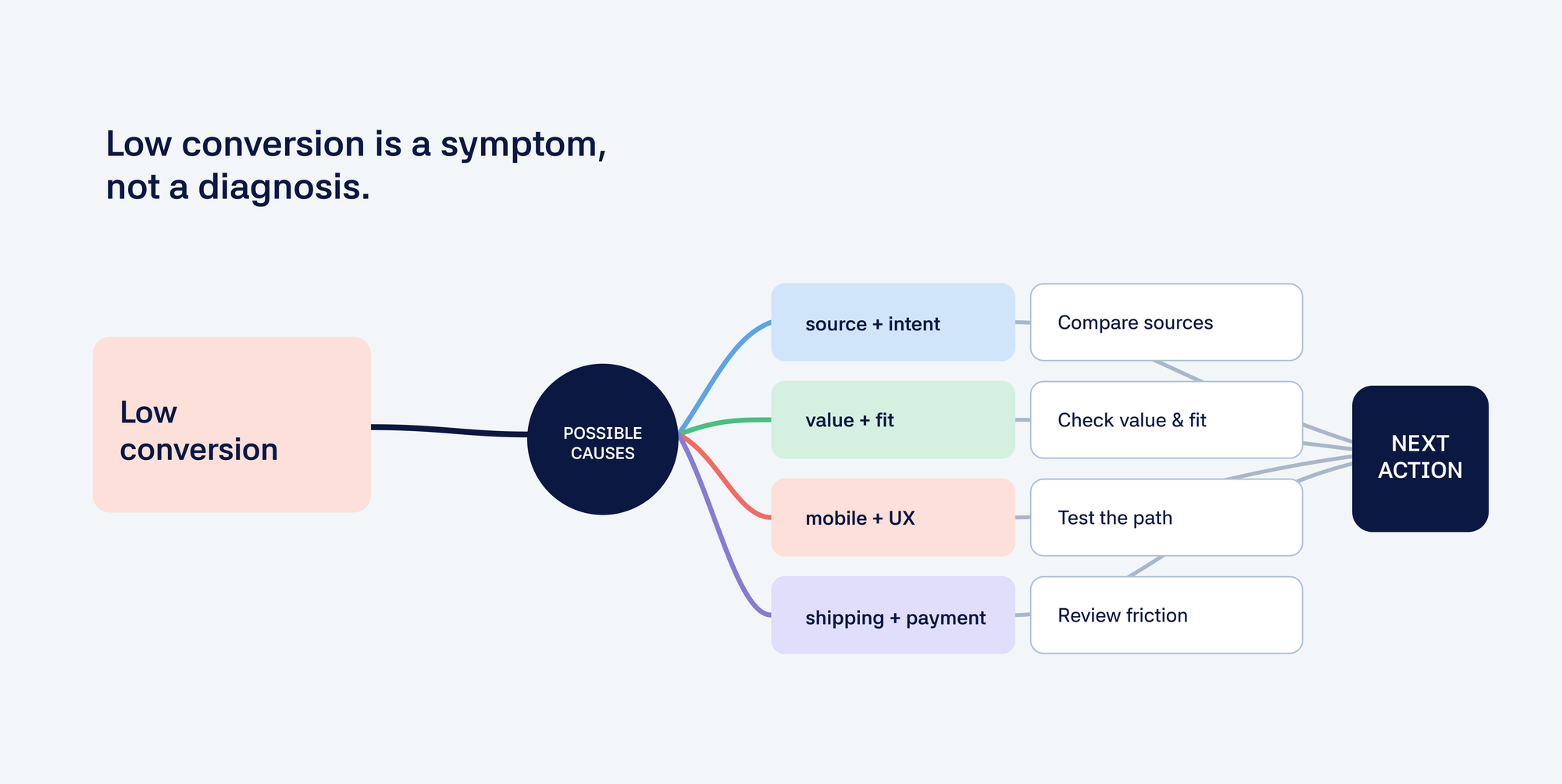
- poor-quality or mismatched traffic;
- strong traffic but weak product discovery;
- product views but unclear value communication;
- add-to-carts but weak purchase motivation;
- checkout starts but payment or shipping friction;
- healthy first purchases but poor retention.
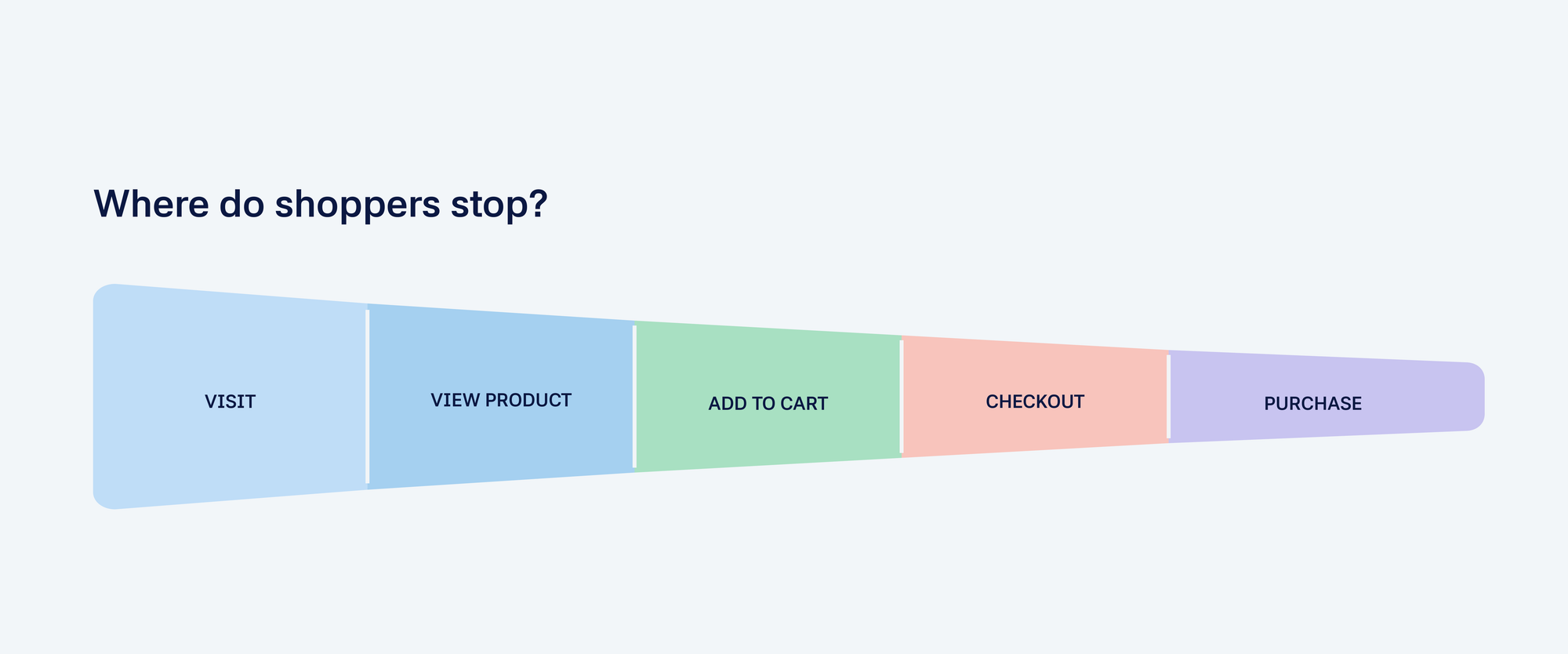
Start by finding the point where qualified shoppers stop moving forward.
First, define what “not converting” means
Before changing anything, clarify the symptom. Are you seeing:
- low overall conversion rate;
- low product-page engagement;
- low add-to-cart rate;
- high cart abandonment;
- high checkout abandonment;
- strong traffic but very few purchases;
- good first purchases but weak repeat purchases?
Each symptom calls for a different check. Start with where customers stop, then relate that pattern to the merchant’s goal.
Step 1: Check whether the data is trustworthy
Before interpreting conversion data, verify that the measurement is reliable. Check:
- whether traffic and purchase events are tracked correctly;
- whether the time period is meaningful;
- whether mobile and desktop are separated;
- whether traffic sources are being mixed together;
- whether a recent campaign, product, price, or theme change affected the data;
- whether the store has enough activity to support a confident conclusion.
Bad tracking can make a healthy store look weak. Poor traffic can create the same pattern as a store problem.
Step 2: Separate traffic quality from store experience
A store may not convert because the visitors are not the right visitors. Review:
- where the traffic comes from;
- what promise the ad or search result makes;
- whether the landing page matches that promise;
- whether visitors are searching for the type of product sold;
- whether some traffic sources behave differently from others.
If visitors arrive with the wrong intent, a better product page may not solve the problem. If the traffic is qualified but shoppers leave quickly, look at the store experience.
Step 3: Check product and offer fit
A store can have a polished interface and still struggle if the product or offer does not match the visitor’s expectations. Ask:
- Is the product relevant to the audience?
- Is the price understandable in context?
- Is the product available when customers want it?
- Is the value clear compared with alternatives?
- Are shipping, returns, and delivery expectations easy to understand?
- Is the offer appropriate for the merchant’s current goal?
Lowering the price is only one possibility. Often, the product page has not given shoppers enough context to understand the price.
Step 4: Check product discovery and navigation
Customers cannot buy products they cannot find. Review:
- collection hierarchy;
- navigation labels;
- site search;
- filters;
- compatibility information;
- category pages;
- internal links between related products.
This matters most for technical products, large catalogs, and products that require a specific match.
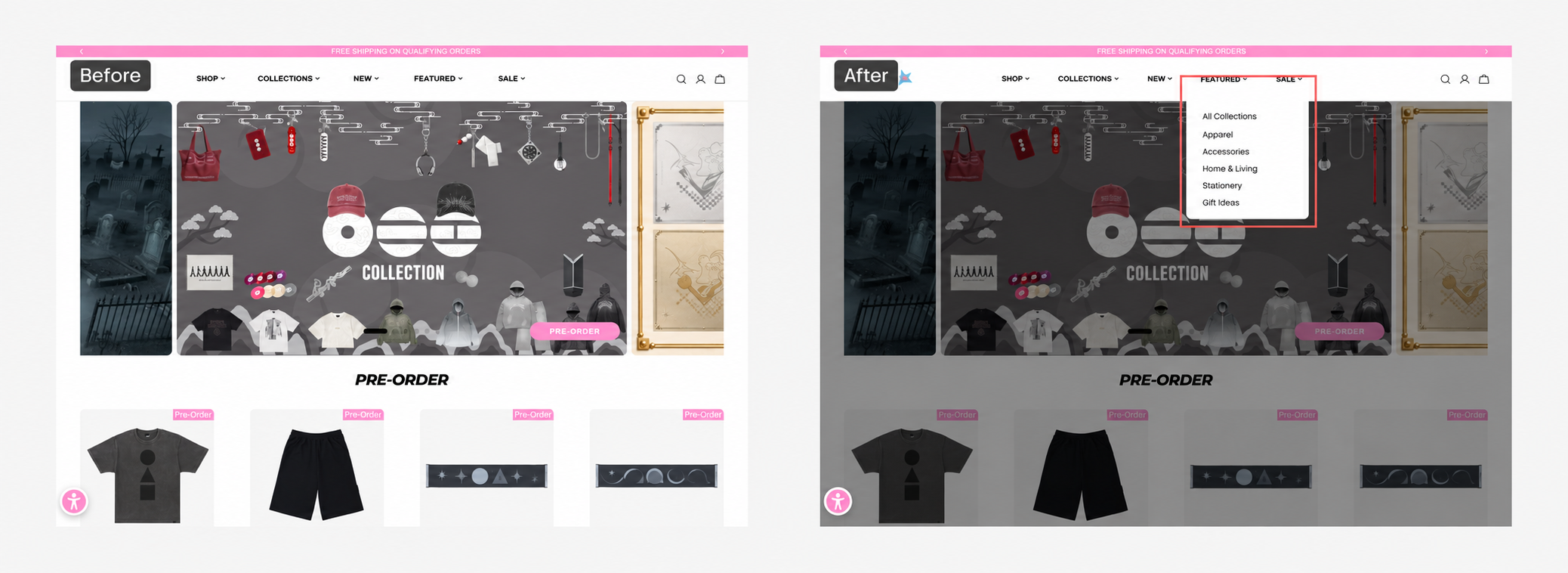
Step 5: Check product-page friction
If customers reach product pages but do not add products to the cart, investigate whether the page answers their main questions. Review:
- product value proposition;
- benefits and use cases;
- product specifications;
- product images and video;
- reviews and proof;
- compatibility;
- shipping and returns;
- guarantees;
- variants;
- calls to action.
A modern-looking page is not enough. It has to answer the shopper’s main questions and make the next step clear.
Step 6: Check mobile behavior
Many Shopify stores look acceptable on desktop but create friction on mobile. Review:
- navigation;
- image browsing;
- variant selection;
- page length;
- tap targets;
- sticky add-to-cart behavior;
- forms;
- speed;
- cart and checkout interactions.
Compare mobile with desktop before applying a storewide change.
Step 7: Check cart and checkout friction
If customers add products but do not purchase, review:
- unexpected shipping costs;
- delivery timing;
- payment options;
- discount-code behavior;
- cart messaging;
- trust signals;
- checkout errors;
- mobile input effort.
Some problems may begin before checkout. A customer who reaches checkout without understanding delivery, compatibility, or the total cost may already have decided not to purchase.
A better recovery plan
Once the likely causes are clear, do not fix everything at once. Choose the problem closest to the current goal and backed by the strongest evidence. A practical recovery plan is:
- Define the business goal.
- Identify the main symptom.
- Separate possible root causes.
- Investigate the most likely friction.
- Choose the highest-value opportunity.
- Make one change or run one experiment.
- Measure the business outcome.
- Use the result to decide what to investigate next.
How Gentoo helps diagnose the problem
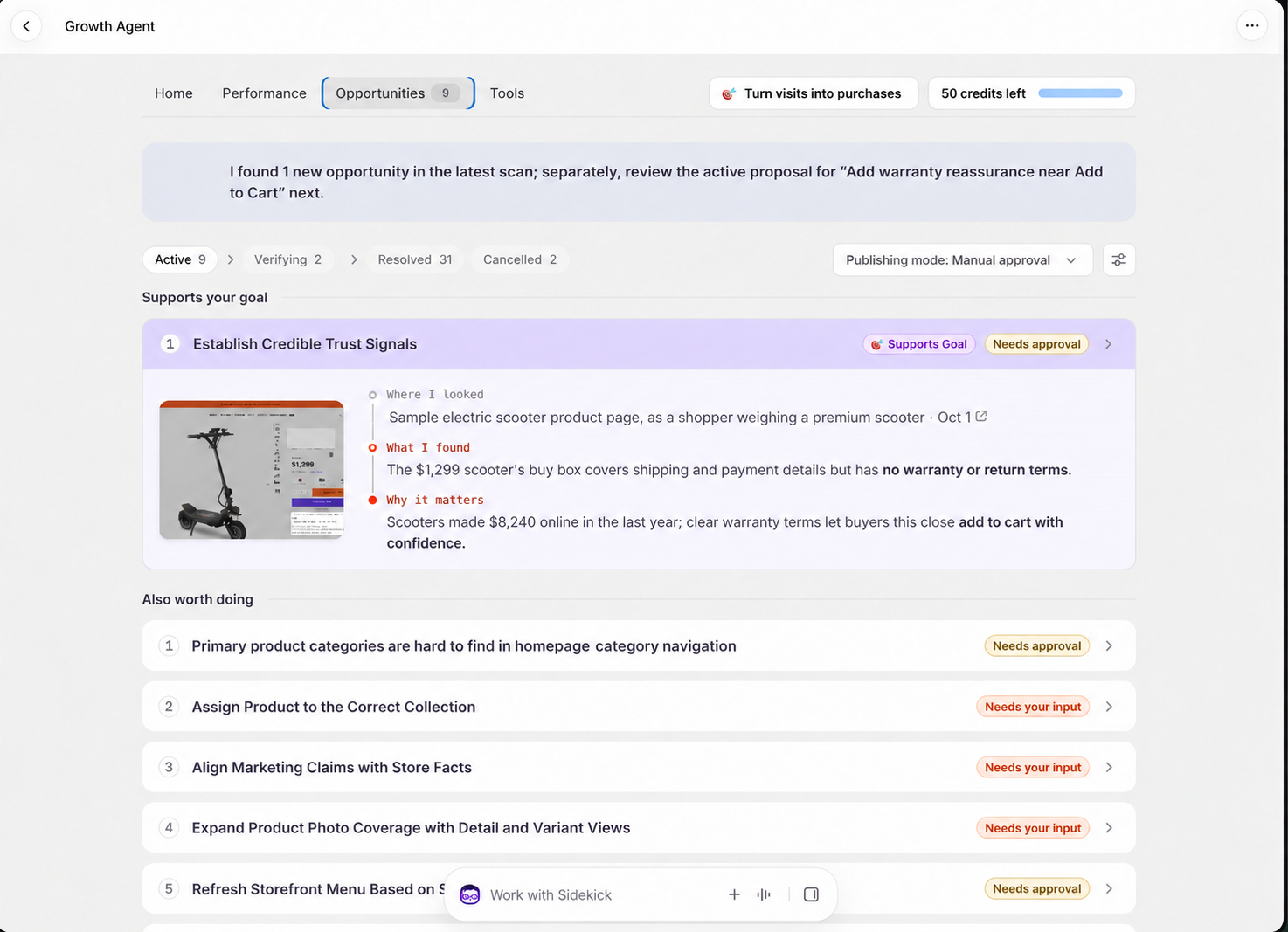
Gentoo examines store behavior and the merchant’s business context from multiple angles. The merchant shares the business outcome they care about. Gentoo helps identify which part of the store deserves attention and why. The merchant can decide whether the recommendation fits the business. The result helps choose what to examine next. The output is a short list of problems worth investigating, not another catalog of generic fixes.
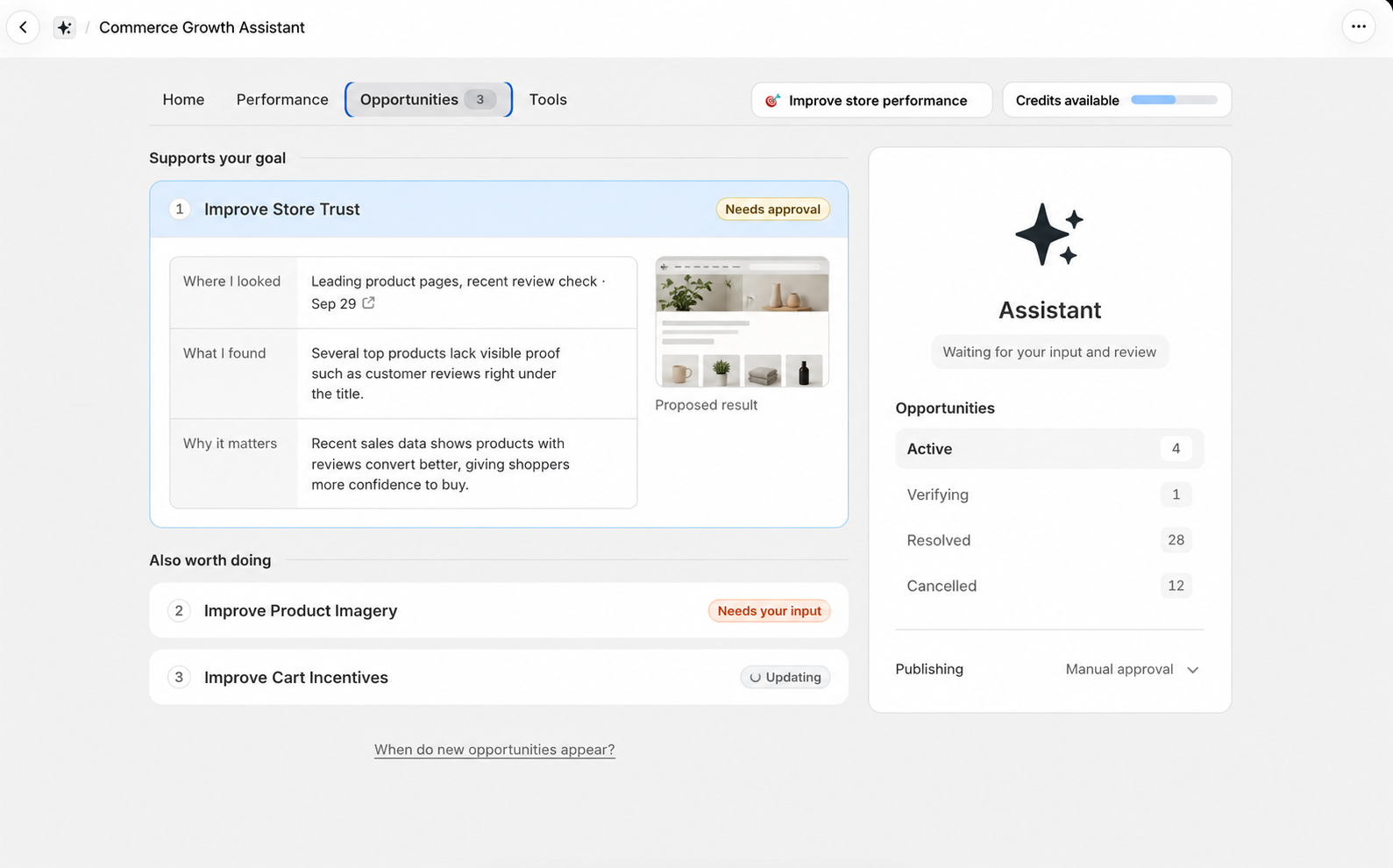
🎯 Not sure what is blocking your store? Run Gentoo’s Quick Analyzer to see the top three growth opportunities Gentoo finds in your store.
Do not change everything before finding the real problem
If your Shopify store is not converting, do not assume you need more traffic, more apps, more discounts, or a new theme. First find where qualified shoppers stop and investigate why. That gives you a clearer next action.